


New features in Boards
TimeBoards 1.0 With TimeBoards comes a new type of board for the scheduling of projects. Distribute tickets in the TimeBoard view to weekdays, calendar weeks, months, or quarters by drag-and-drop. The start date of the ticket is automatically adjusted. Combined with...
3 favourite Daylite plugins have new features that you should try
Initiate phone calls with one click, use your iPhone to scan documents for Daylite, and work more easily with large Kanban Boards. We used the beginning of the year to improve our popular Daylite extensions DayliteDocs, Boards, and Fone&Text for you. Our document...
Automatic time tracking now integrated into Daylite
Automatic time tracking is becoming more and more important. Let’s be honest: time tracking is cumbersome and gets neglected often. Who really puts in the effort at the end of the workday to track all of the day’s activities like computer times, meetings, phone...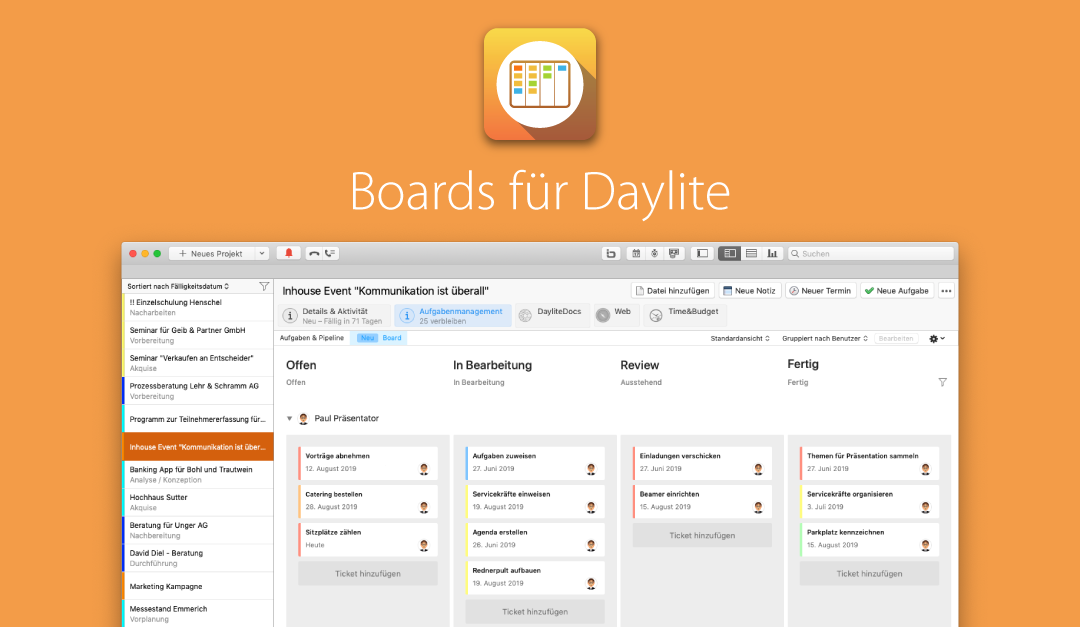
Kanban boards have finally come to Daylite!
Experience how our new Boards plugin makes working with tasks and projects fun again. Having Kanban boards in your projects doesn’t just make them clearer – you can now see at a glance what status a task is in and even reduce the number of tasks altogether!...

