
Do you have to maintain a Google Calendar as well as your Daylite calendar because your business partner uses Google? Would you like to connect your Daylite calendar to online booking systems, but they only offer a Google interface?
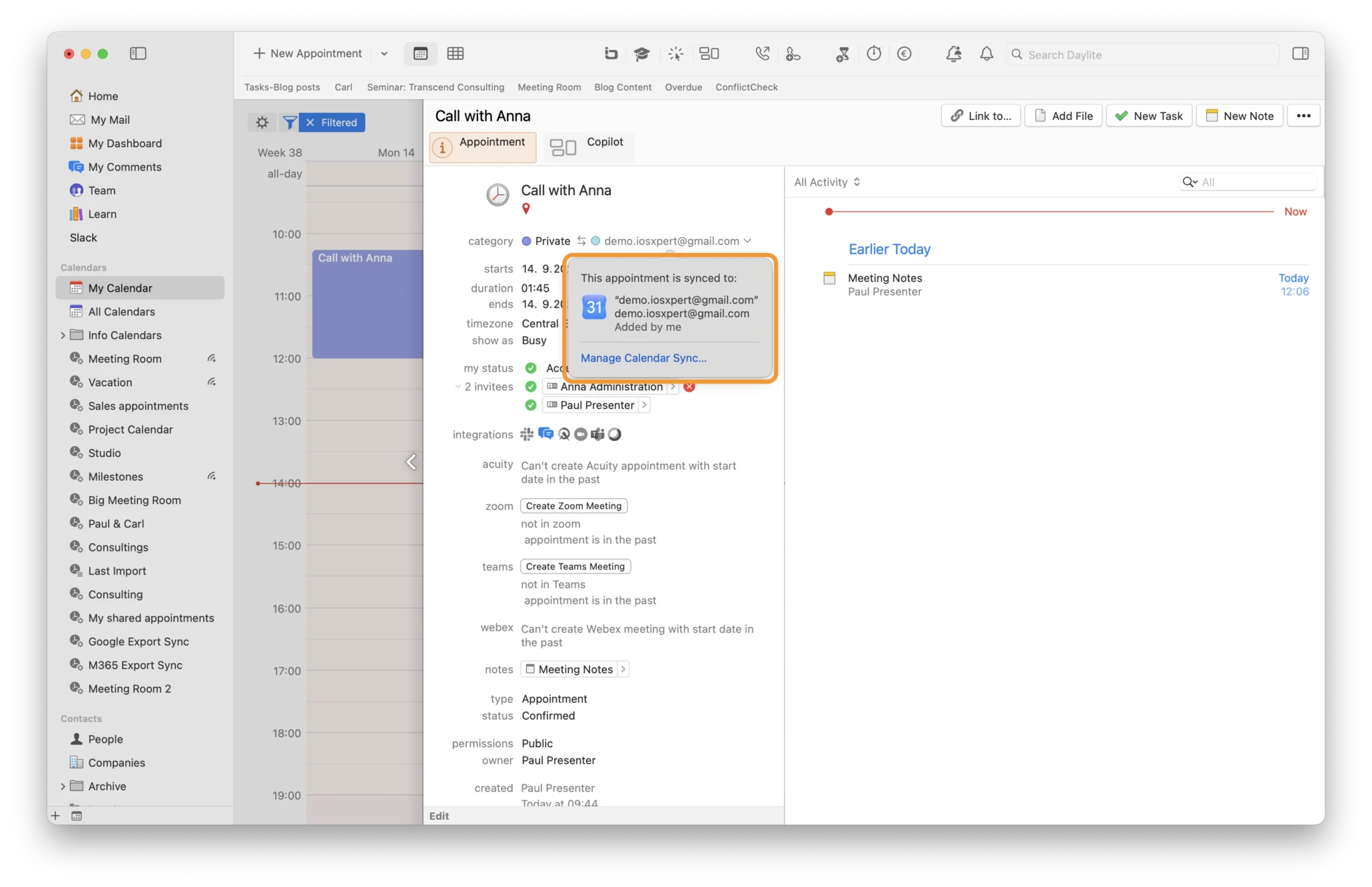
There’s finally a way to stop having to maintain two separate calendar systems! Daylite now offers continuous, two-way synchronisation with Google Calendar. Appointments that you create or edit in Daylite are automatically synchronised with Google Calendar — and vice versa. The same applies to appointments that end up in your Google Calendar via connected tools such as Zoom, Gmail or online booking systems — they will automatically appear in Daylite too.
‘Google Calendar has become an indispensable part of how millions of people organise their personal and professional lives. We identified an opportunity to take our customers beyond simply duplicating the same event in two places. When events from Google Calendar flow seamlessly into Daylite, they become part of the customer history there — the event turns into valuable business information,’ explains Alykhan Jetha, CEO of Marketcircle.
This shared context makes a noticeable difference, especially for small teams that often need to work within their clients’ calendar systems, and facilitates daily collaboration.
More Than Just an Appointment in the Calendar
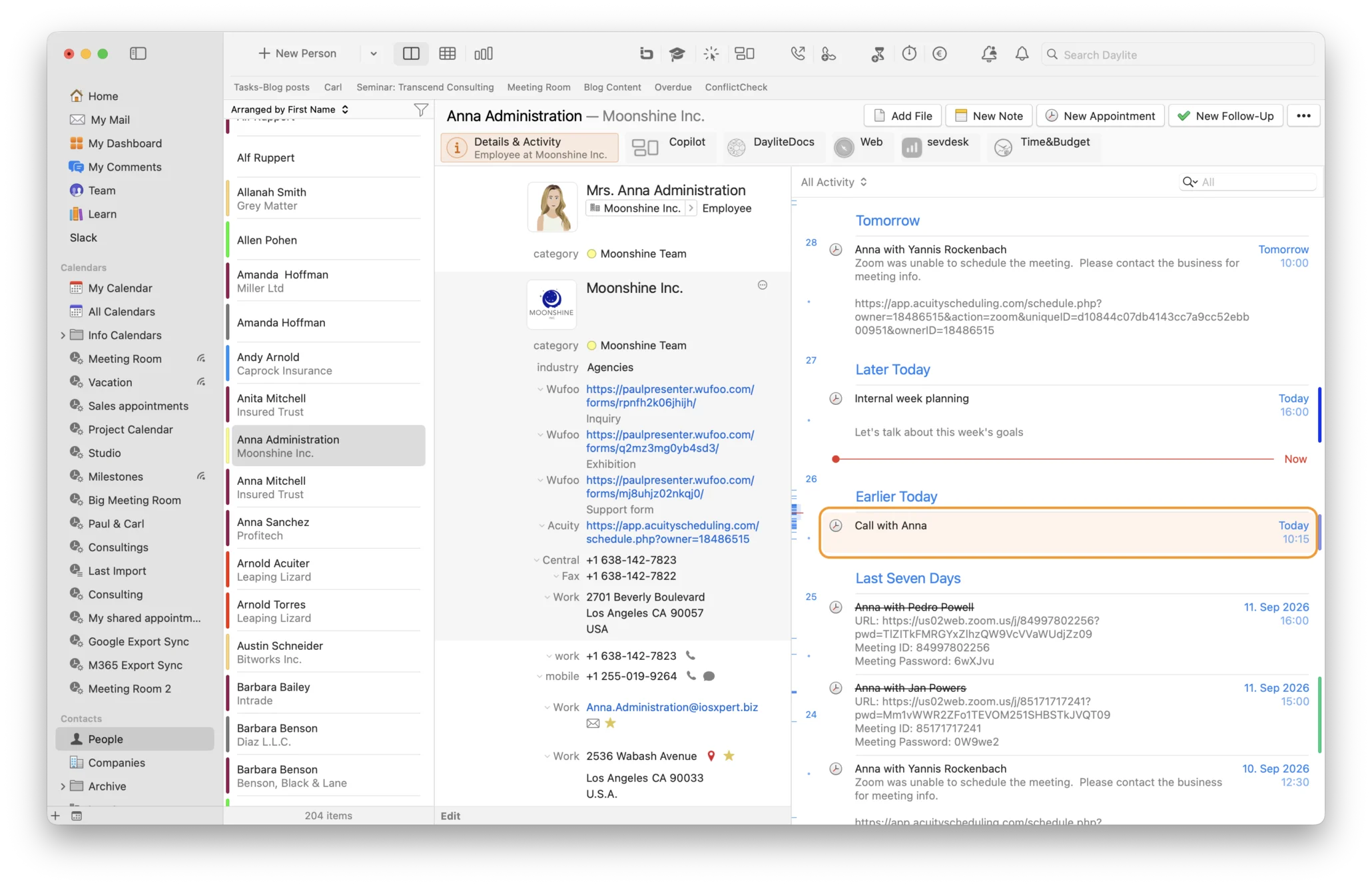
Synchronising Google Calendar with a CRM like Daylite means more than simply displaying the same appointment in two places. Google Calendar shows you when an appointment takes place. Daylite, however, shows you why the appointment is important by automatically linking it to the relevant person, company, project or sales opportunity, thus making it part of their history.
For example: When a customer books an appointment through your online booking system, the appointment appears not only in your Google Calendar, but also directly under the corresponding sales opportunity in Daylite, along with past emails, notes, and appointments with that customer.
Syncing Google Calendar with Daylite: FAQ
Does Daylite sync with Google Calendar on a Mac?
Yes. Daylite offers continuous two-way synchronisation with Google Calendar. This means that appointments and changes are automatically synchronised between Google Calendar and Daylite.
Can Google Calendar appointments be linked to CRM data in Daylite?
Yes. Appointments synced from Google Calendar to Daylite can be linked directly to people, companies, projects and sales opportunities in Daylite.
Can I use my personal Google Calendar with Daylite without sharing private appointments?
Yes. Personal or family calendars can be used to block your availability in Daylite without your team being able to see the details of your private appointments.
Does Google Calendar synchronisation also work with other apps, such as Zoom or Gmail?
Yes. Since synchronisation is continuous and two-way, appointments created through connected apps like Zoom or Gmail are automatically synchronised with Daylite, along with all other appointments on that calendar.
Want to get started with the Google calendar sync right away? Our HelpCenter article explains how to set it up: Google Calendar Sync

