
My Dashboard
Custom metrics from Daylite at a glance
Exclusive for Mac, iPhone & iPad
My Dashboard
Custom metrics from Daylite at a glance
Exclusive for Mac, iPhone & iPad


Your KPIs at a Glance
Access reports from all Daylite modules in one place.

Flexible Widgets
You can customize your dashboard using flexible widgets and presets.
Access the data immediately.
You can jump directly to the underlying data in Daylite from each widget.
All KPIs in a single dashboard
Visualize your Daylite data on your personal dashboard. Use it to monitor incoming and outgoing calls, analyze sales opportunities, and see who is working on what and when people are available for the next meeting. This feature is included free of charge in the Plus Package for Daylite.
Most important features
-
Easy integration: A setup wizard will guide you through each step when you launch the dashboard for the first time.
-
AI Support During Setup: Automatic Suggestions for Selecting Individual Widgets
-
Widget Newly Created Individuals/Newly Created Companies: Displays a donut chart showing how many individuals or companies were created during the selected time period. This lets you immediately see whether your new contact acquisition efforts are heading in the right direction.
-
Widget Opportunity Analysis: The heart of your sales operations. Analyze your potential: How much revenue can you expect, when, and how is it distributed among your employees? Who is currently working on which opportunities, and what is their status?
-
Widget Upcoming Appointments: View all your colleagues’ appointments in a single stream. This lets you quickly see who is busy and when, and where there are openings for meetings.
-
Widget Incoming and Outgoing Calls: How many calls does your team make per day, week, or month?
-
Widget User Statistics: See your team members’ workloads at a glance. How is the tracked time distributed, and what tasks are still pending?
Related topics:
Experience Daylite and the Plugins live
Book our Online-Webcasts

Learn more
This function belongs to the section: Scale Your Business.
Blog Entries | Scale Your Business

Our Series on Remote Working: Slack for internal Team Communication
If you work in a team, communication between the only colleagues in the home office also becomes a challenge. We use Slack to exchange information...
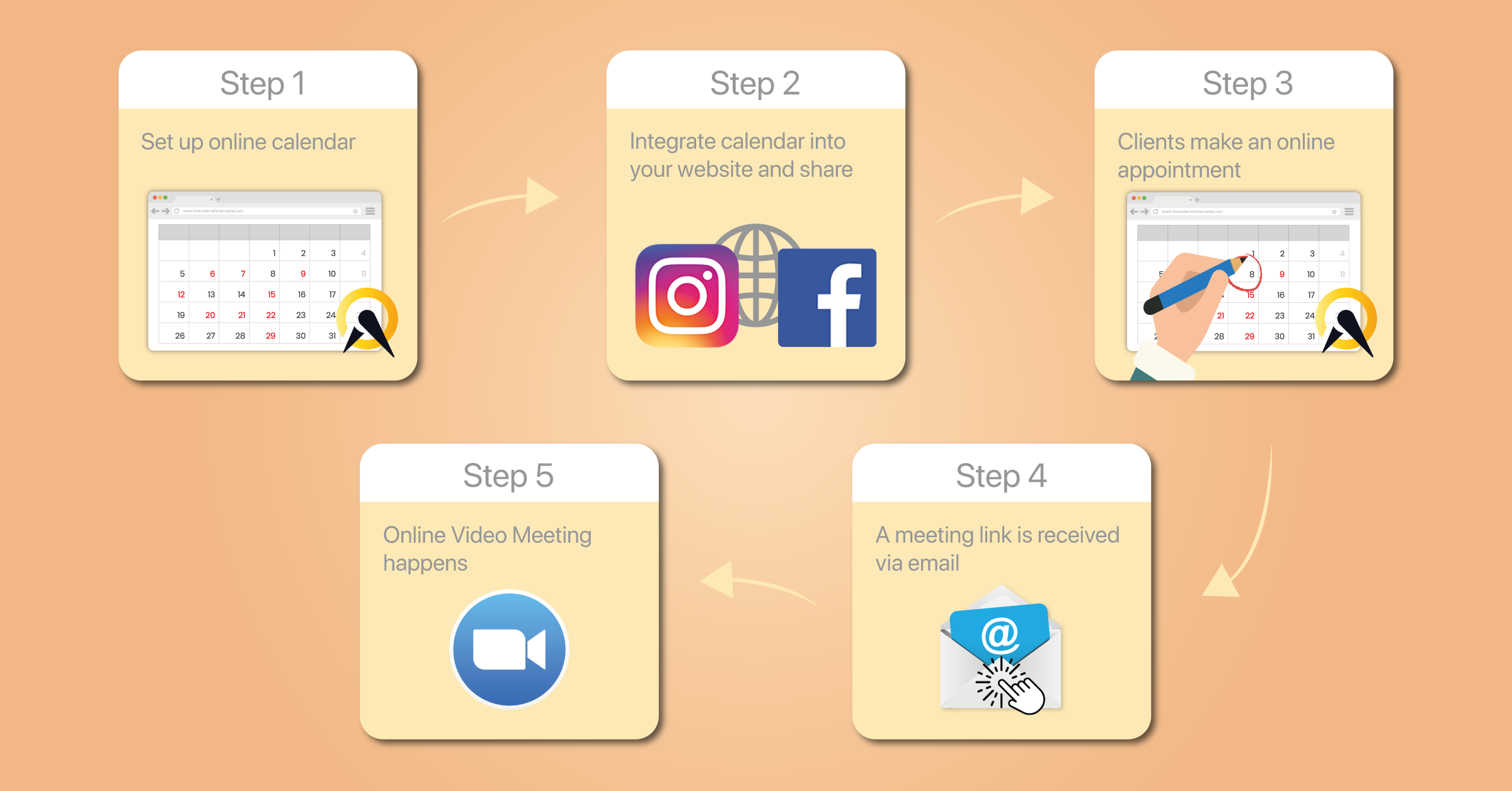
Our Series on Remote Working: Arrange Appointments 24/7
To make it as easy as possible for our customers to make an appointment with us in times like these, we use an online appointment service - in our...
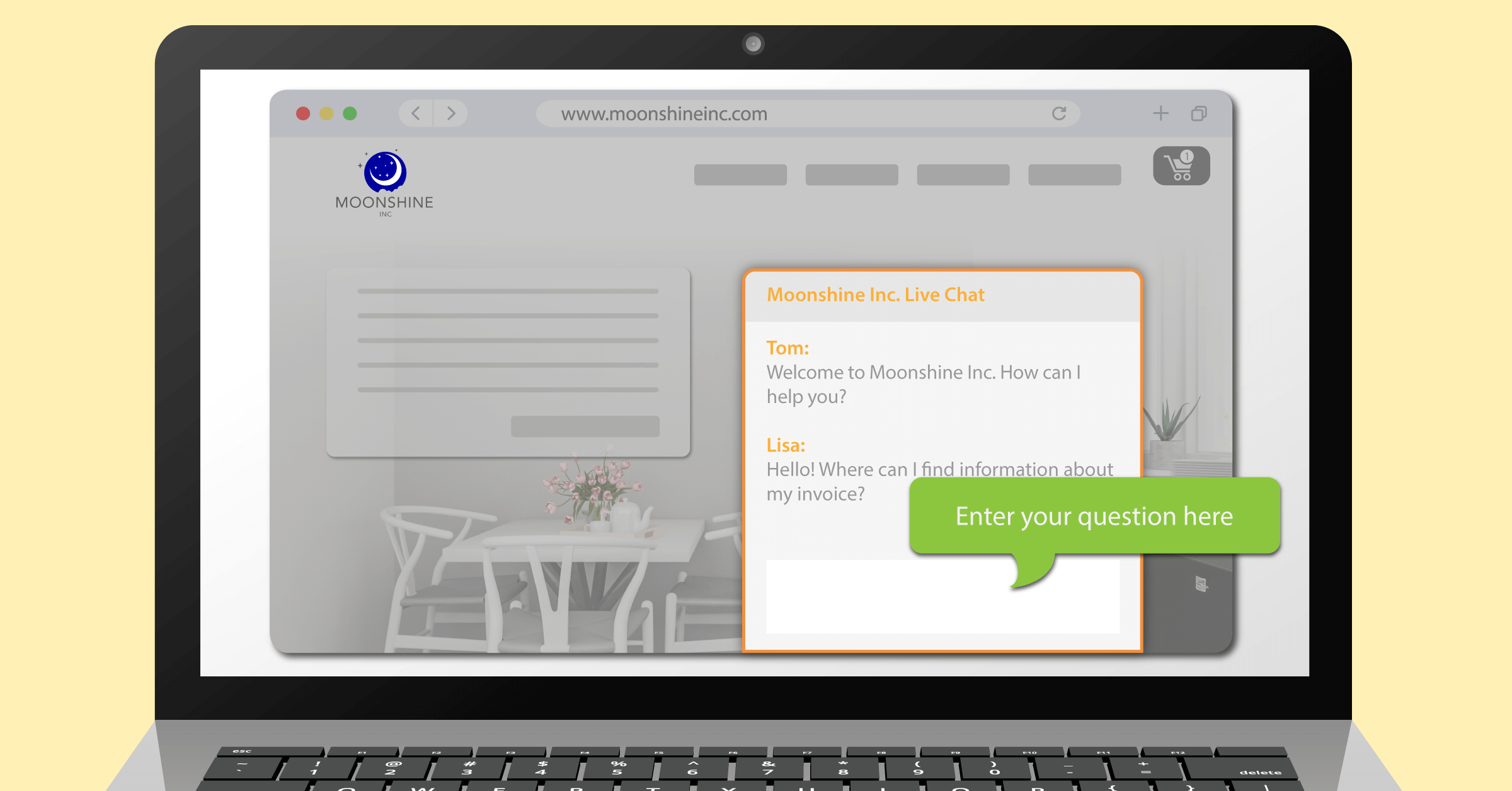
Our Series on Remote Working: Live-Chat on our Website
An up-to-date website is an important foundation to stay in contact with your customers. It is even better to provide website visitors with a direct...

