
OneDrive-Integration
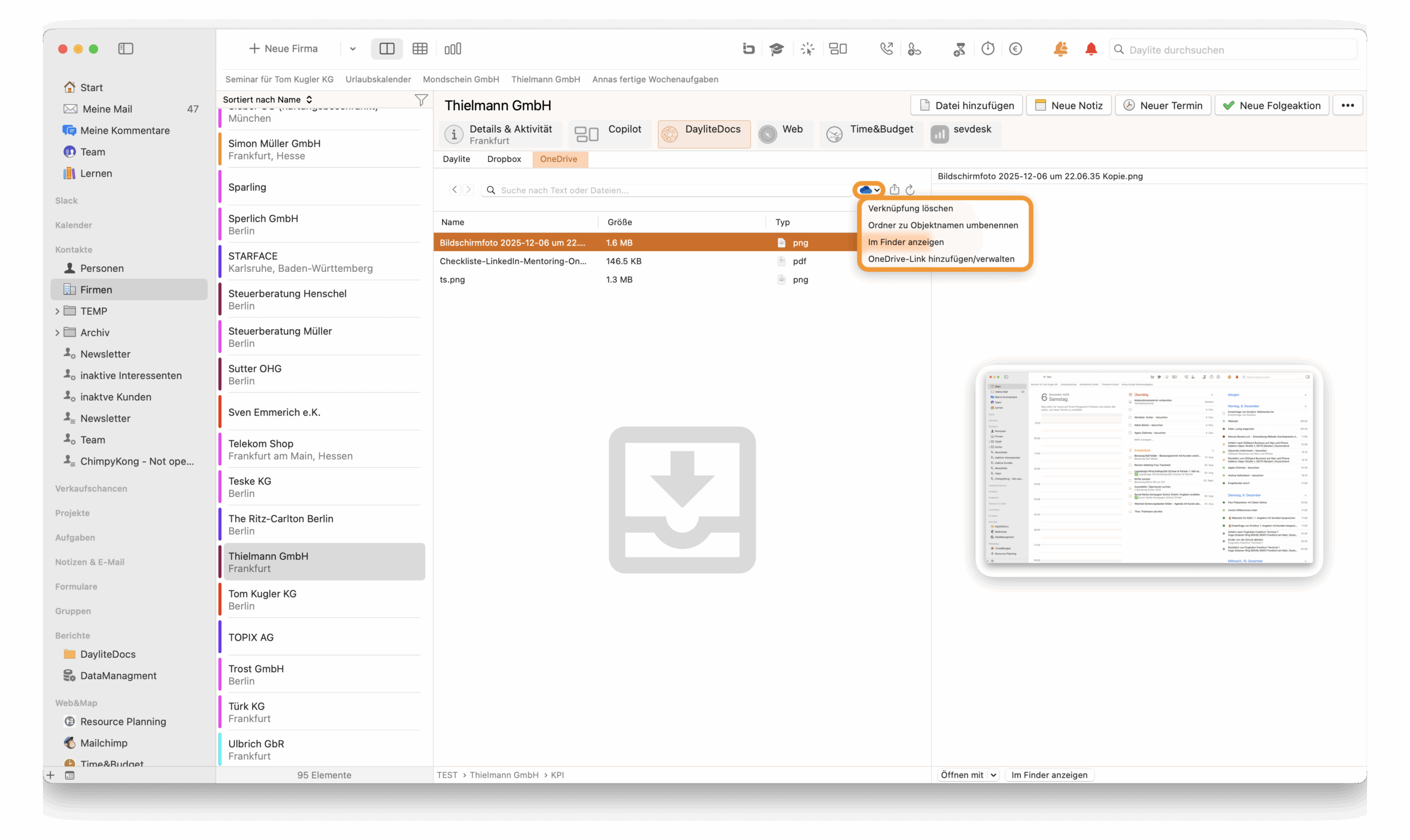
Find and create OneDrive files in Daylite
Exclusive for Mac, iPhone & iPad
OneDrive-Integration
Find and create OneDrive files in Daylite
Exclusive for Mac, iPhone & iPad
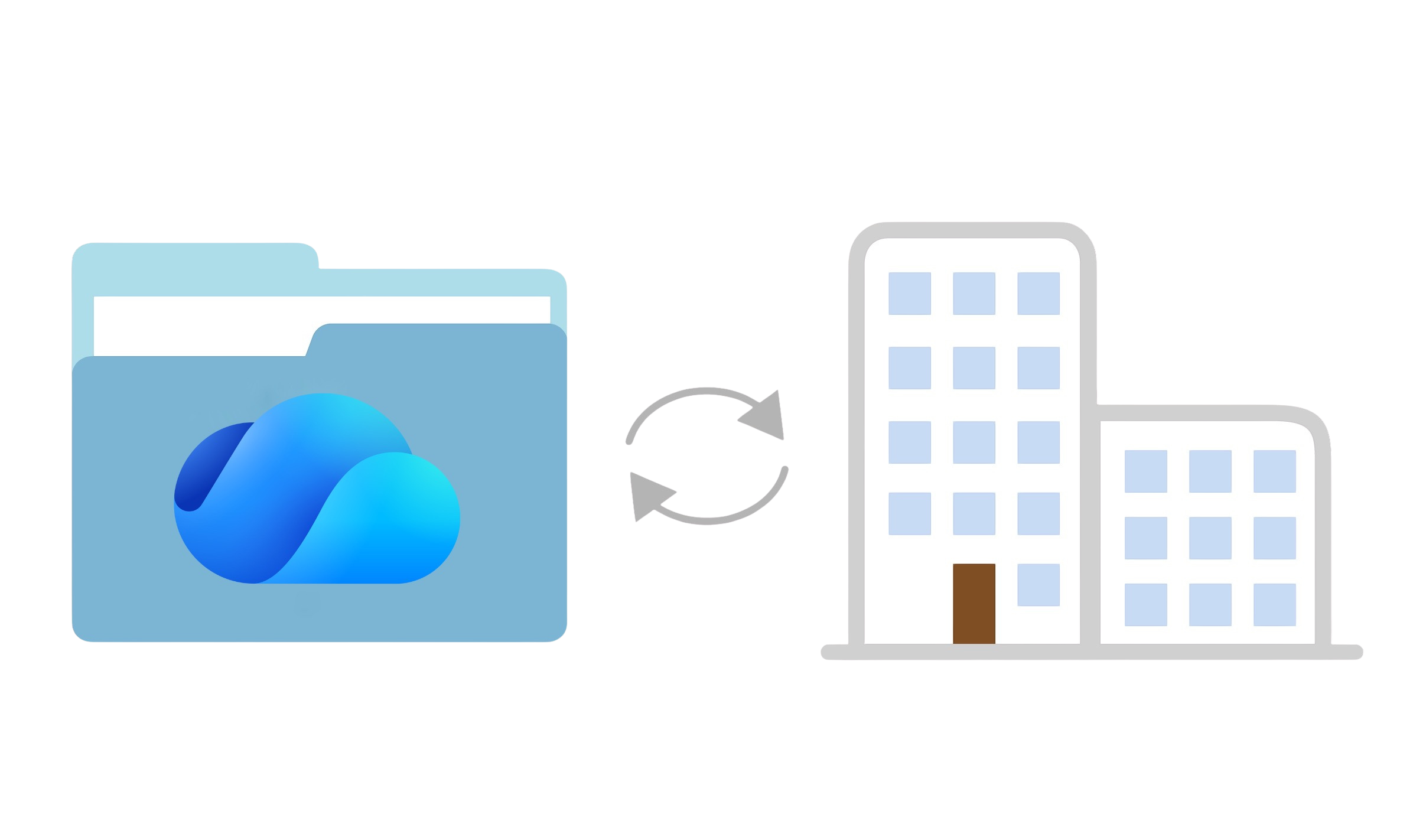
Folder linking to Daylite objects
This option allows you to link an existing or new folder from OneDrive to the selected Daylite object.
Tasks for documents
Create a task directly from a file or folder in the OneDrive integration in Daylite with just a right-click.
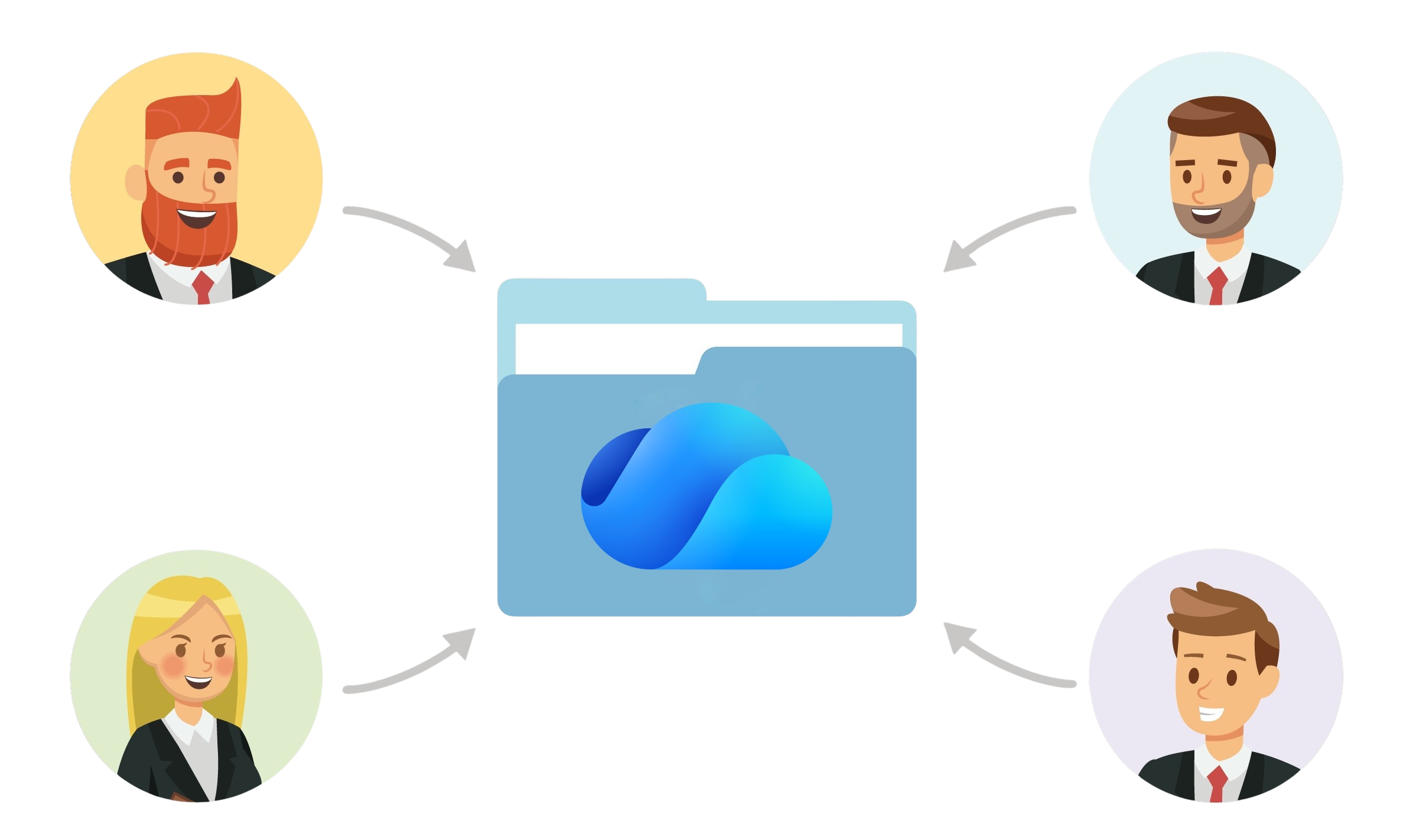
Share files
Selected files can be transferred directly to other programs (e.g., iMessage) using the Share function.
Seamless integration with OneDrive in Daylite
OneDrive integration allows you to centrally manage files and folders directly in Daylite. Link or create OneDrive folders, use drop zones for quick uploads, and create tasks with direct file references. Public OneDrive links allow location-independent access to documents and support efficient team collaboration.
Most important features
- Link existing OneDrive folders or create new folders directly from Daylite for people, companies, projects, and opportunities
- Automatically create predefined subfolders within the Daylite folder structure
- Use drop zones to easily add files via drag & drop from the macOS Finder
- Create tasks from OneDrive files or folders, including direct file references and delegation to other users
- Store and manage public OneDrive links in free fields for quick access, even on iPhone and iPad
- Open files directly from Daylite with installed programs or displays in Finder
- Teilen von Dateien aus Daylite heraus mit anderen Anwendungen (z. B. iMessage)
Integrations:
- OneDrive
Related topics:
Experience Daylite and the Plugins live
Book our Online-Webcasts

This function belongs to the section: Build & Nurture Relationships.
Blog Entries | Build & Nurture Relationships

Update: Connect LinkedIn directly with Daylite – your wish becomes reality!
Creating a Daylite contact from LinkedIn - for a long time, this feature has been one of the most requested functionalities of our Daylite...
Brand new: iOSXpert Mail Integration for Outlook and Missive
If we were to ask you what one of the most important functions in Daylite would be, your answer is guaranteed to be: the mail integration in...
Segmenting customers – the easy way
Effective customer segmentation is a key to the success of any business. However, it is often a time-consuming task that takes up valuable resources...

