
Google Drive-Integration
Create and Link Google Drive Folders
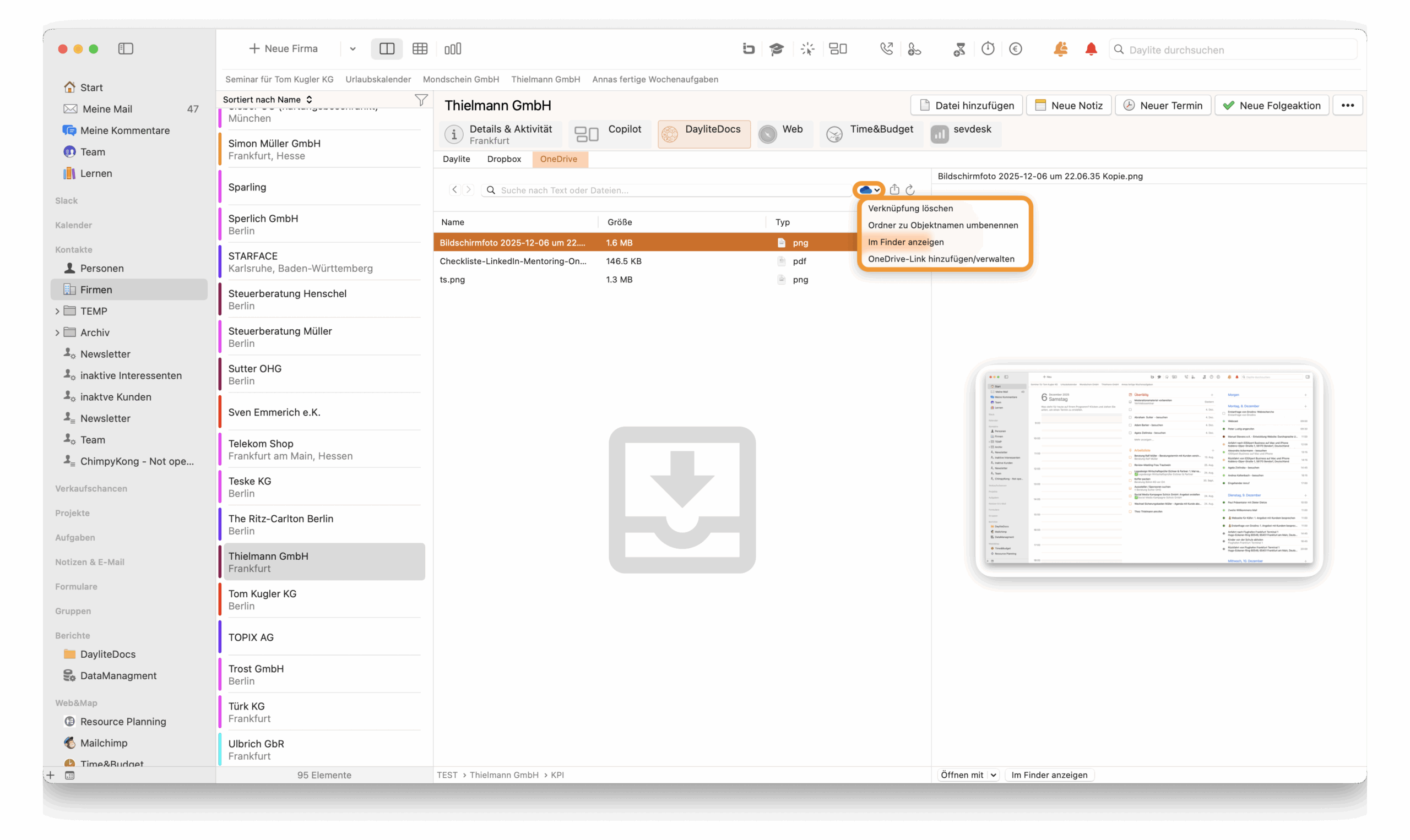
Exclusively for Mac, iPhone & iPad
Google Drive-Integration
Create and Link Google Drive Files in Daylite
Exclusively for Mac, iPhone & iPad
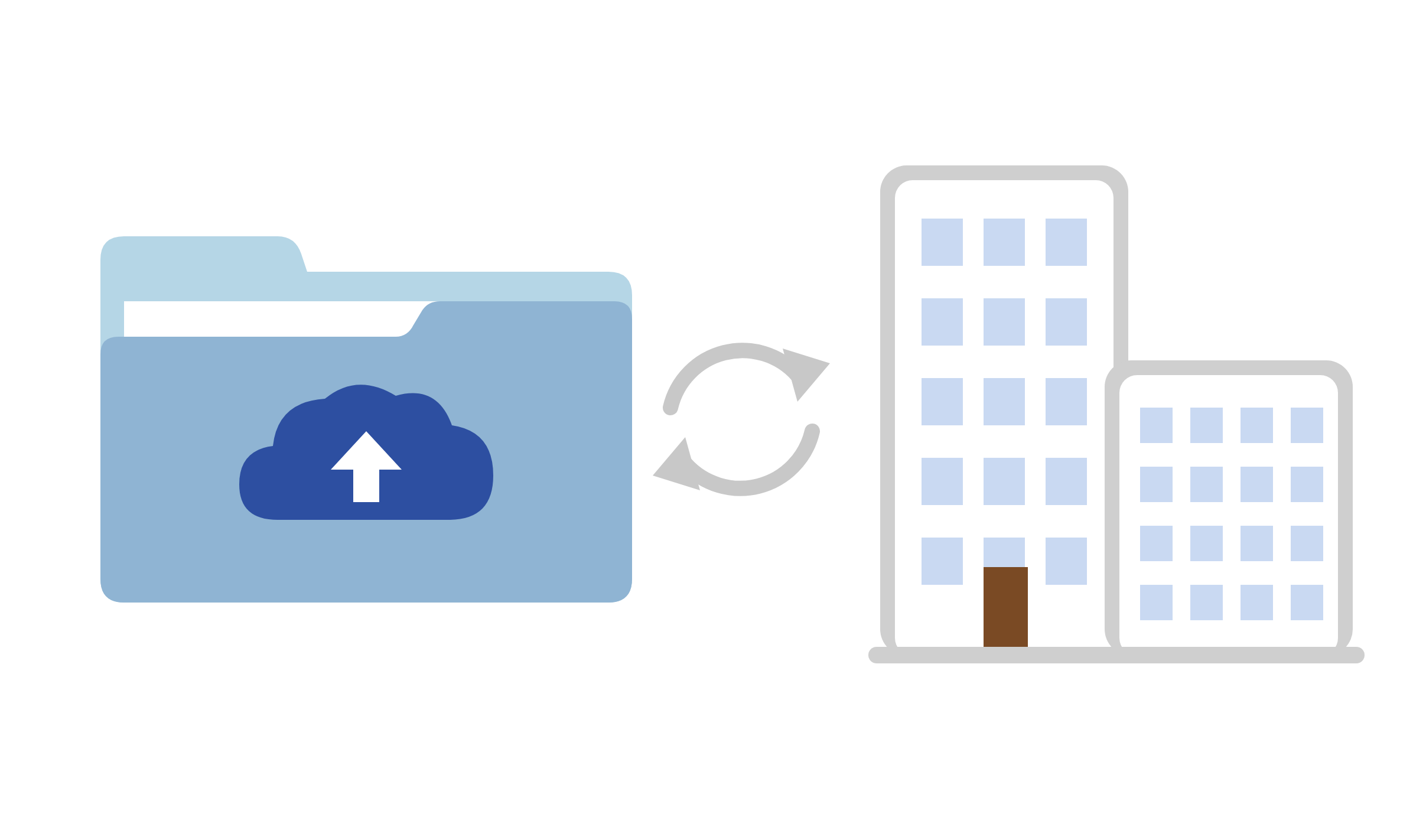
Folder linking with Daylite objects
Link Google Drive folders to people, companies, projects, and opportunities—or create new folders with a single click. You can view all files directly in Daylite, including previews.
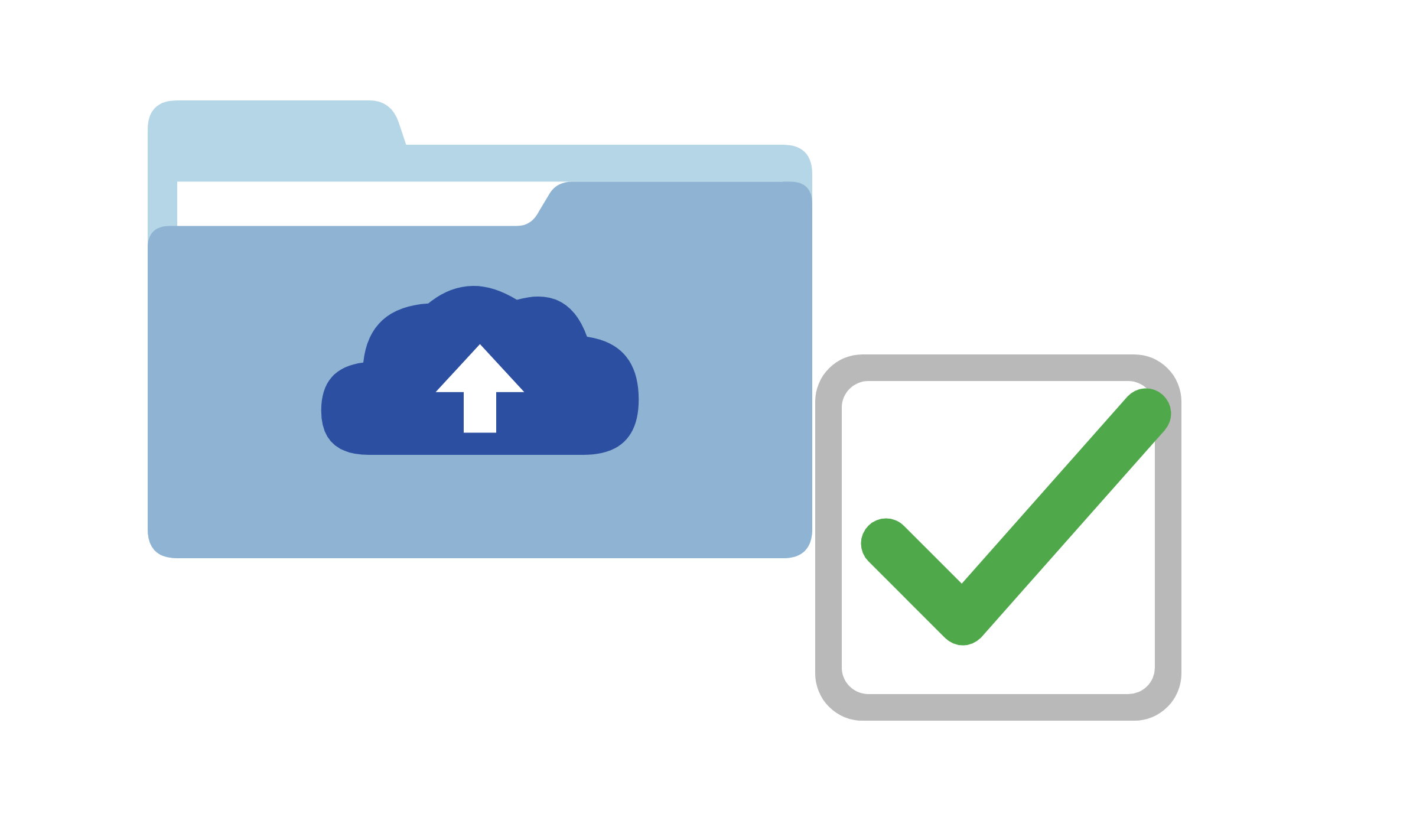
Tasks for Documents
Right-click a file or folder to create a task from it—for example, to streamline review processes. The file is directly linked to the task.
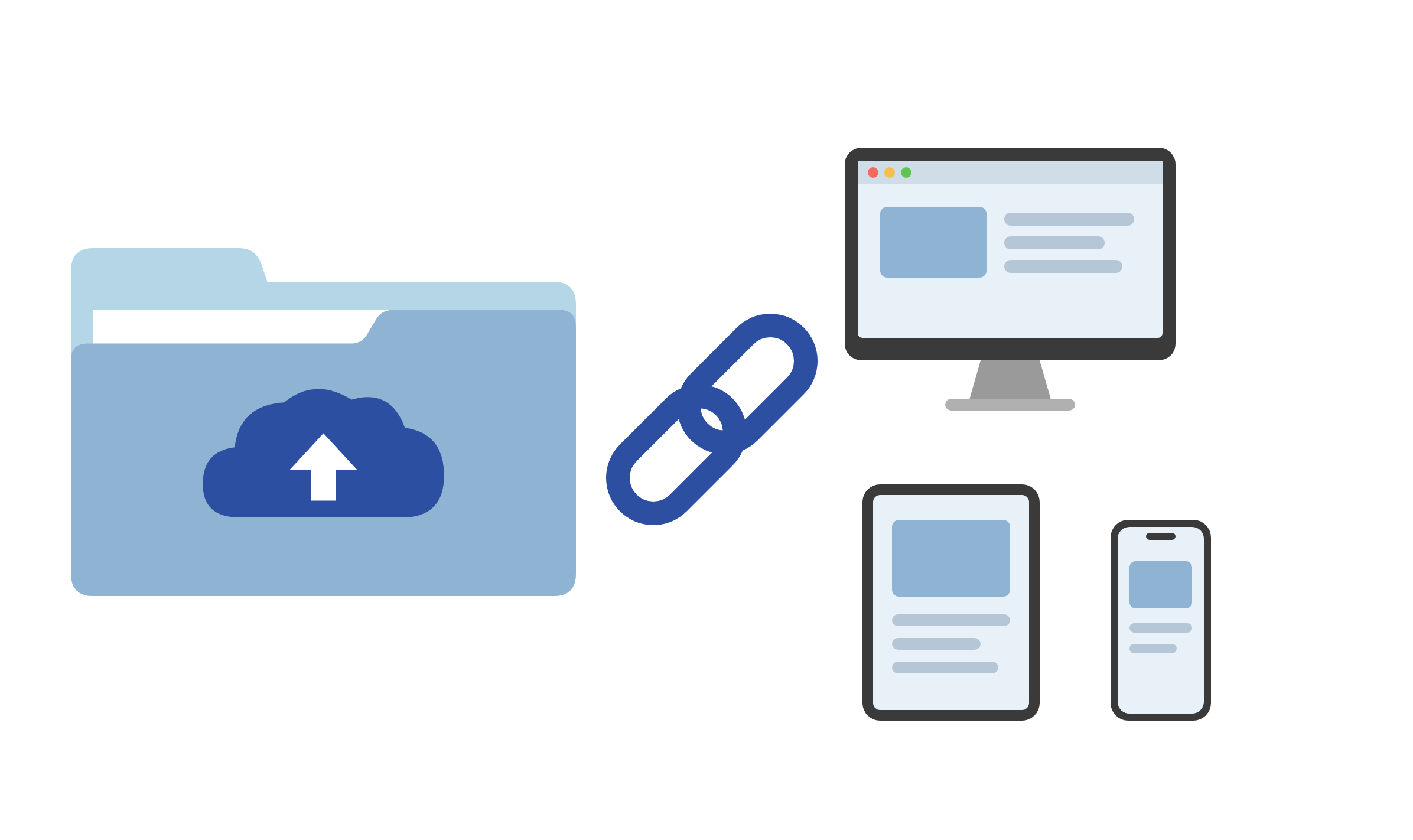
Google Drive Links from within Daylite
Copy a folder’s web link, paste it into a text field, or click to specify who has access in Google Drive.
Integrate Tasks and Document Management
The Google Drive integration not only makes it easier for you to find Google Drive folders and organize them into a consistent structure—it also opens up new workflows: Create tasks directly from files and delegate them to colleagues using Daylite’s task management features. You can also access your folders via the Google Drive link in your browser, on your iPhone, and on your iPad.
Most important features
- Automatically create folder directories with predefined subfolders.
-
Link existing Google Drive folders to people, companies, projects, and opportunities
-
Use dropzones to easily assign documents to Daylite objects.
-
Create tasks with links to files for yourself or delegate them to other users.
-
Automatically insert Google Drive links into text fields so you can open folders in your browser, on your iPhone, and on your iPad.
-
Open files with the appropriate program to view them directly in the Finder.
Related topics:
Experience Daylite and the Plugins live
Book our Online-Webcasts

Learn more
This function belongs to the section: Build & Nurture Relationships.
Blog Entries | Build & Nurture Relationships
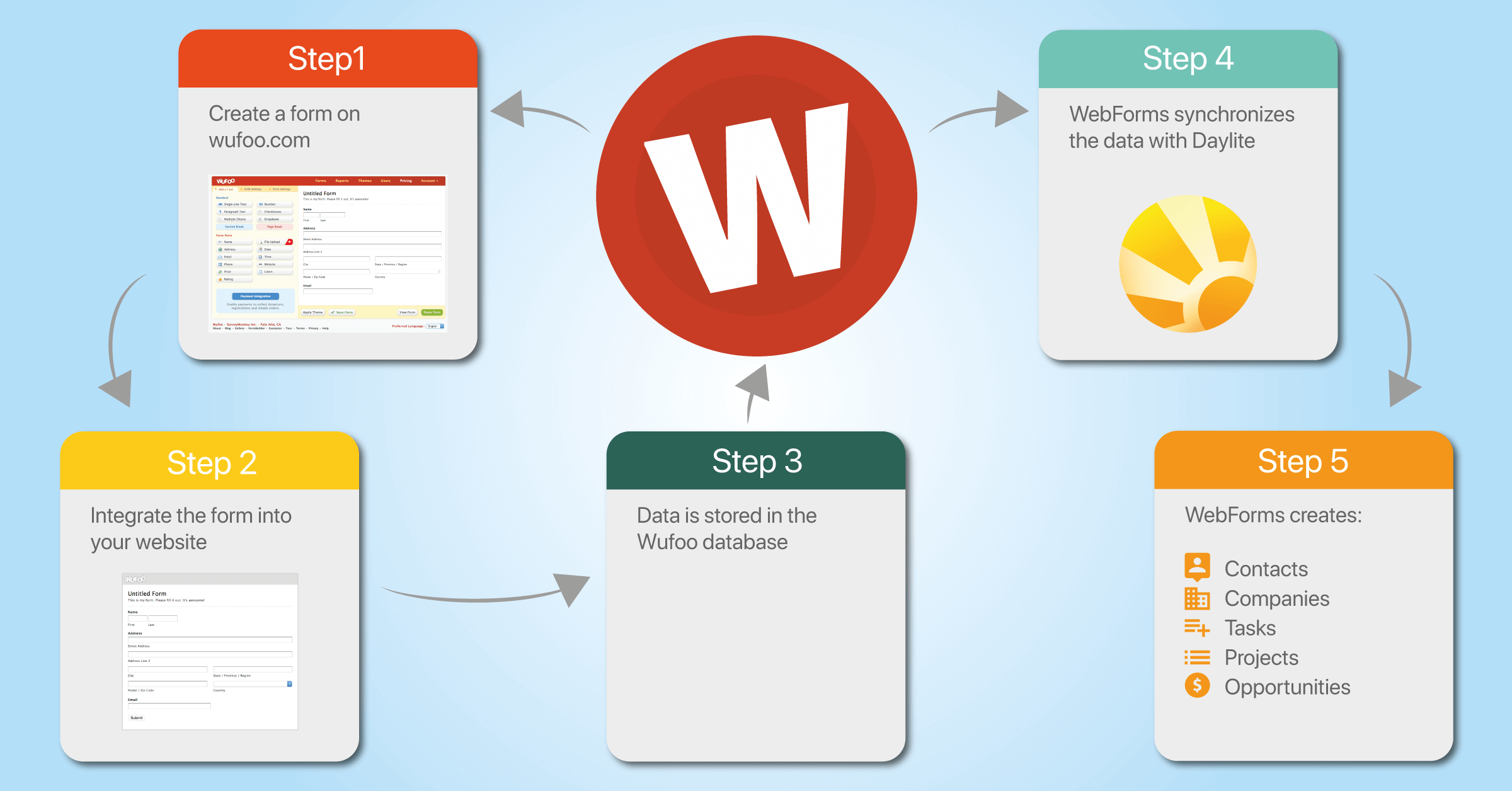
Our Series on Remote Working: Intelligent Contact Forms on your own Website
A contact form is the easiest way to get in touch with customers via your own website. We also offer a contact form on our website. With mandatory...

Our Series on Remote Working – Telephony, also from home
We have been using a telephone system from the STARFACE company for years. This system is available both as a real physical telephone system and as...
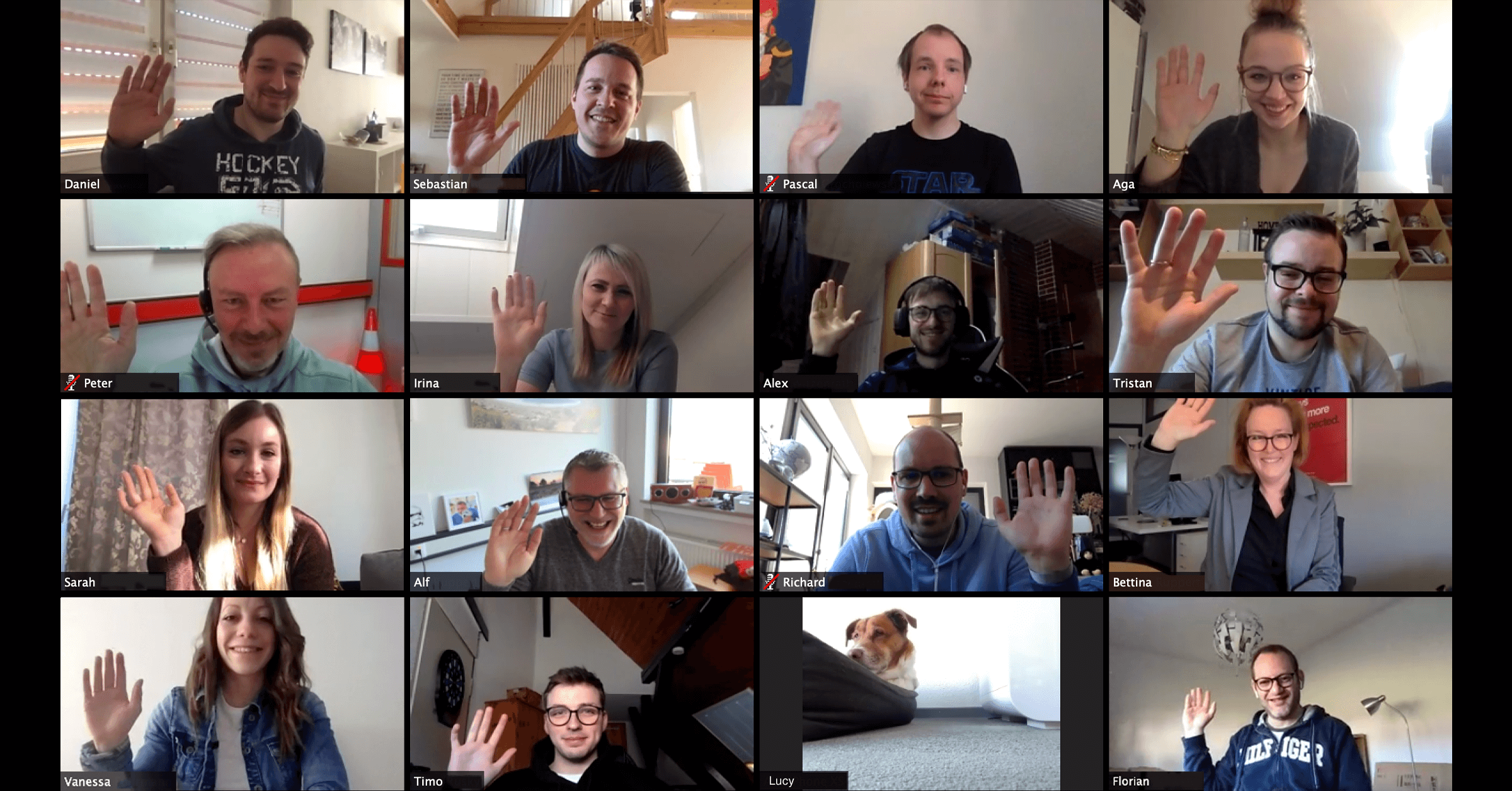
Our Series on Remote Working: Zoom Video Conferencing with Customers and Colleagues
Time and again we are seeing how important personal contact is. Therefore, in times of remote working, we meet online once a day for a Zoom meeting...

